

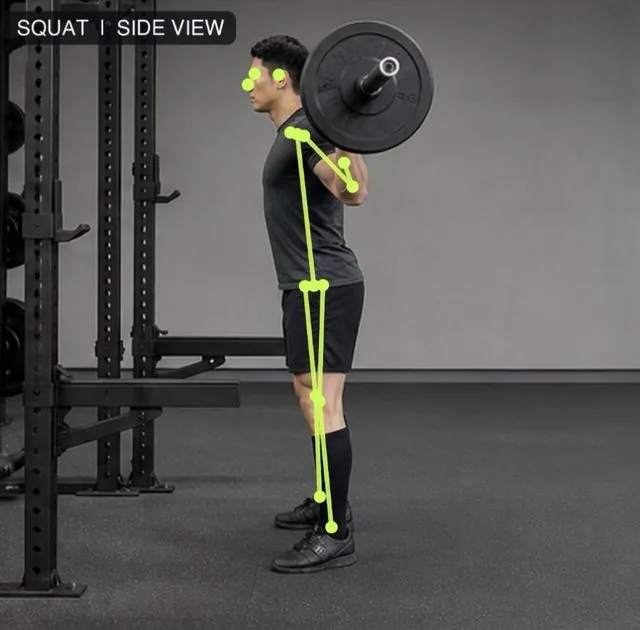
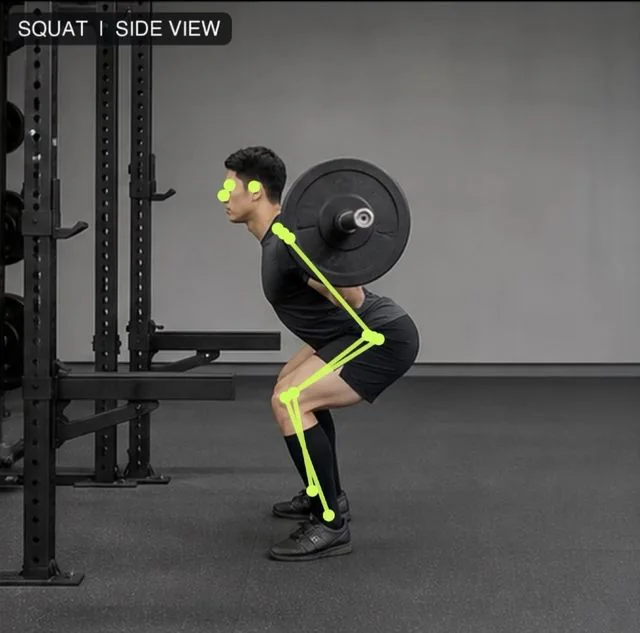
Squat
Depth, forward lean, bounce at the bottom, tempo
Front view tooTrain Hard, Lift Smart
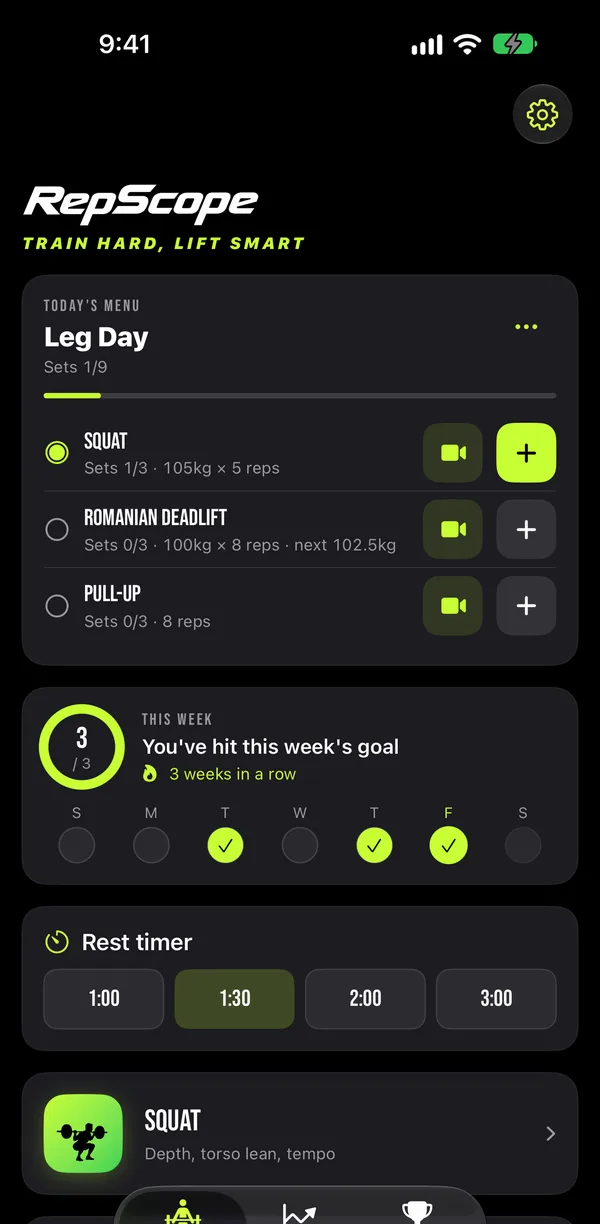
Log weight, reps and RPE in seconds - no filming needed.
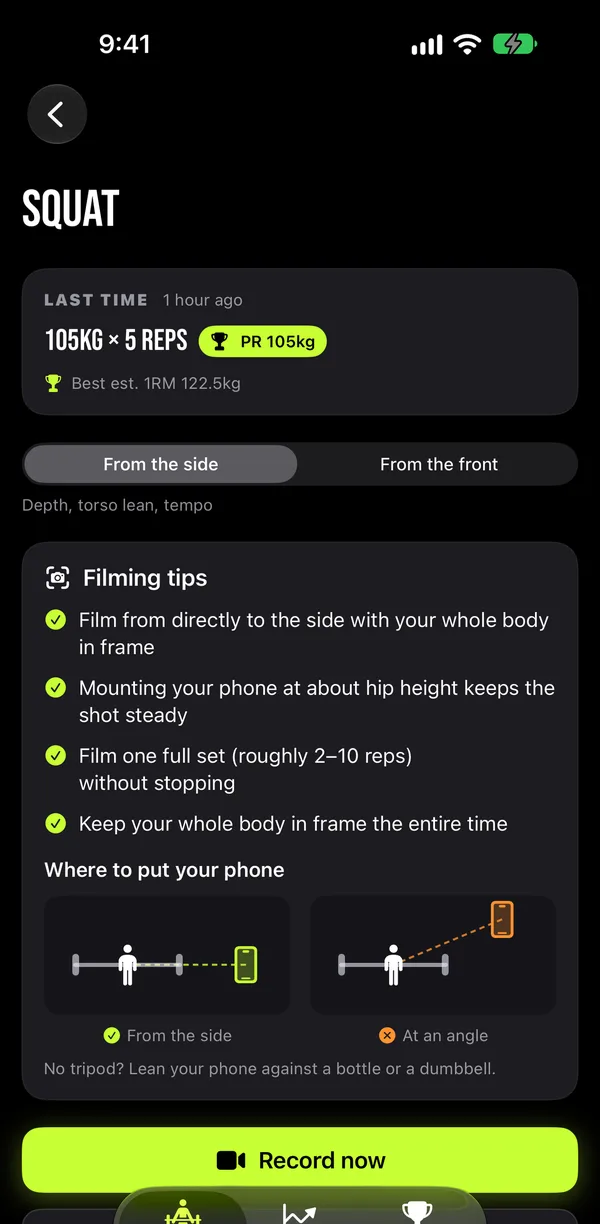
When a set feels off, film it from the side: AI detects your skeleton, scores the set out of 100 and tells you what to fix.
A training partner for people who lift alone.
Problem
Form matters most, yet it's the easiest thing to overlook.
Without a coach, you rarely get an objective look at your own technique.
How it works
Logging takes seconds.
Film only when you want a check.
Just enter weight and reps. Tap + to repeat your last set in one tap, and the rest timer starts on its own.
Put your phone to your side. Recording starts when your whole body is in frame, counts your reps, and stops when the set ends. With the front camera you can fix your framing while watching the screen.
A score out of 100, what to fix, and a suggested weight for your next set. All analysis happens on your iPhone.
Frame by frame
Scroll to squat down and stand back up.
Joint angles, depth and bar path are measured on every frame.
Exercises
From the big three to bodyweight moves. Each lift is scored on its own checkpoints.
Depth, forward lean, bounce at the bottom, tempo
Front view too
Bar depth, bounce off the chest, forearm angle, lockout
Bar path, hip height at the start, lockout
Depth, dropping elbows, upright torso, tempo
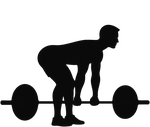
Knee angle, hinge depth, bar staying close
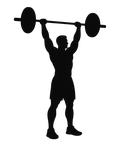
Lockout, leaning back, bar over the shoulder
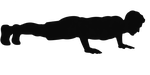
Depth, body line, lockout, tempo
No equipment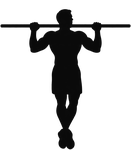
Pull height, swinging, full hang, tempo
No equipmentScoring rules
Scores come from fixed angle, position and timing rules for each lift.
No AI writing up an opinion: the same video always gets the same score.
These are the exact values the app uses.
Parallel when the hip drops level with or below the knee at the bottom. Forward lean up to 55°. A rep faster than 1.2 s may be using a bounce
Bar reaches the chest when the elbow bends to 100° or less at the bottom. Wrist stacked over the elbow (vertical forearm)
Torso within 70° of vertical at the start. Bar drift within 9% of your shoulder-to-ankle length. Hip 160° or more at lockout
Same depth rule as the squat. The bar sits in front of you, so forward lean is limited to 45°
Knees held at 140° or more. Torso hinged to 55° or more. Bar drift within 12%
Elbows to 160° or more overhead. Leaning back up to 15°. Bar finishes over the shoulder (within 10%)
Elbows to 100° or less at the bottom and 160° or more at the top. Shoulder-hip-knee line 160° or more
Elbows to 90° or less at the top and 150° or more at the bottom. Body swing within 12%
"Shoulder-to-ankle length" is used as your body size, so the rules work the same however big you appear on screen. If a video is filmed more than about 35° off the side, bar path and forearm checks are skipped rather than guessed. Squats filmed head-on are also checked for knees caving in (up to 15% of stance width) and left-right differences.
In the gym
Film and log without walking back to your phone.
Everything here is free.
Starts when your whole body is in frame and stops when the set ends. Framing and countdown are also announced by voice. Works with the front camera.
Log today's routine set by set from your wrist - no need to pull out your phone.
Save your usual workouts and log them in order with one tap. Import your history from Strong or Hevy.
Your rest between sets shows on the Lock Screen and in the Dynamic Island.
Based on your last form score and RPE: add weight, hold, or drop - with the reason.
Personal bests for each lift, weekly goals and streaks, and monthly challenges keep you going. Share your week as a summary card.
Privacy First
Built so you can film your form
without worrying about where it goes.
Every video is analyzed
entirely on your own phone.
Nothing is uploaded to a server,
and your video never leaves your device.
RepScope Pro
Track your progress over time
with RepScope Pro.
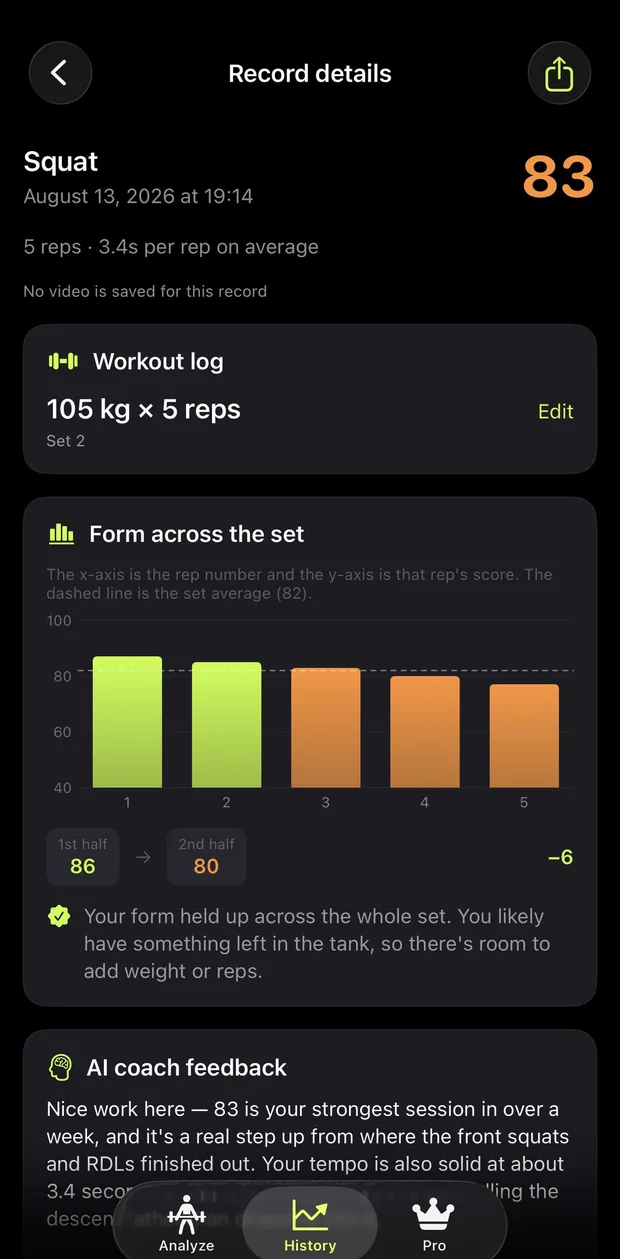
AI coach feedback
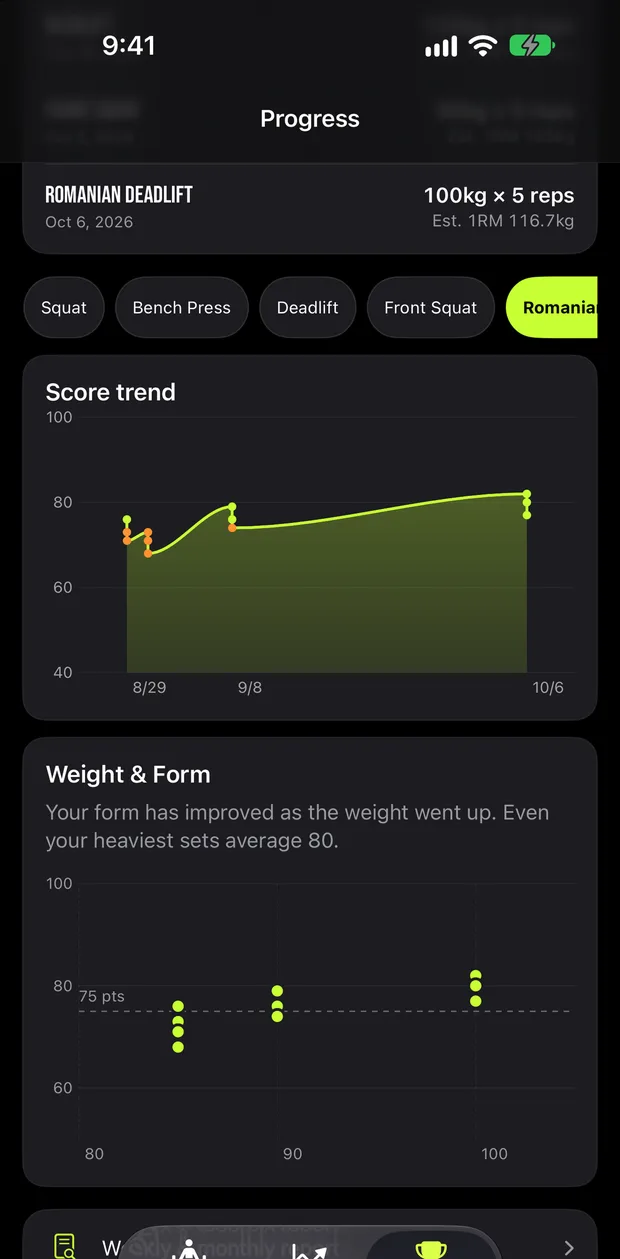
Score trend and weight vs. form
$34.99 / year (1-week free trial for new subscribers)
$119.99 lifetime (one-time purchase, no renewal)
US prices. Prices vary by region.
Prices and features may change.
See the in-app purchase screen for current details.
For Trainers
See your clients' form from their own sessions, with scores and skeleton videos.
Clients tap "Send to trainer" to turn a session into a message they can paste into any chat app.
Send us your gym or social media and we'll email you a personal code. You won't be charged automatically when it ends.
In the app, go to Settings → "For trainers" to send a code for new users straight from any messaging app.
Each code is personal and can be used once. We only use your request to send you the code.
FAQ
An iPhone gym log with AI form check. Log weight, reps and RPE in seconds without filming. When a set feels off, film it from the side: RepScope detects your skeleton, scores the set out of 100, and shows what to fix and a suggested weight for your next set.
Yes. The app is free with no account needed. Logging, filming, scoring and feedback, hands-free filming, Apple Watch, routines, the rest timer, next-weight suggestions and weekly summary cards are all free. Filmed sets can be reviewed for the last 3 days. RepScope Pro adds your full history, score trends and side-by-side comparison with past sets ($5.99/month or $34.99/year with a 1-week free trial for new subscribers, or $119.99 one-time in the US; prices vary by region). You can try comparing with your last session once for free.
No. Skeleton detection and scoring run entirely on your iPhone, and your video never leaves the device. Your log syncs only to your own iCloud account. Only when you use the Pro "AI coach feedback" are numbers such as scores and angles, plus the feedback text, sent to create the review - never video or images. See the Privacy Policy for details.
Eight: squat, bench press, deadlift, front squat, Romanian deadlift, overhead press, push-up and pull-up. Each lift is scored on its own checkpoints such as depth, torso angle, lockout and tempo.
Put your phone directly to your side, 2-3 m (7-10 ft) away at hip height, with your whole body from head to toe in frame, and film the whole set. No tripod needed - lean it against a water bottle or a wall. At the gym, place it against a wall so nobody else is in the shot and check the gym's filming rules. More in our filming guide.
Each lift has fixed rules. For example, a squat is parallel when the hip drops below the knee at the bottom, more than 55° of forward lean at the bottom is too much, and a rep faster than 1.2 seconds may be using a bounce. The rules are shown on the results screen and listed in our guides.
No. Skeleton tracking and scoring run on your iPhone with fixed steps and rules, so the same video always gets the same score and the same notes. Scores change only when the camera angle, distance or your movement changes, so film from the same spot each time when you compare.
Squats can be filmed head-on to check for knees caving in and left-right differences. Forward lean and bar path can't be measured from the front, so film from the side for those.
Yes. You can use it purely as a gym log for weight, reps and RPE. Tap + to repeat your last set in one tap, and the rest timer starts on its own. You can also import your history from Strong or Hevy.
Not at the moment. RepScope is for iPhone (iOS 17 or later) and Apple Watch only.
Guides
Get Started
Free, no account needed.
Right after installing, film 5 push-ups at home and see your skeleton and score in about a minute.